March 7, 2026

Established in 1992, Rus Education is a proud reason of many who are currently living their dream and on the way to achieving their goal of becoming a doctor.

The National Testing Agency (NTA) has provided an important opportunity for students who have applied for the National Eligibility cum Entrance Test (NEET-UG) 2026 to correct mistakes in their application forms. The correction window is opened for a limited period (10-12 March) so that candidates can review their submitted details and make necessary changes before the examination process moves forward. This step is crucial because incorrect information in the application form can cause problems during admit card release, examination verification, or admission procedures.
Students are strongly advised to use this correction facility carefully and ensure that all details are accurate. Once the correction window closes, no further modifications will be allowed by the authorities.
Every year, lakhs of students apply for NEET, which is the main entrance examination for admission to undergraduate medical courses such as MBBS, BDS, and other medical programs across India. During the application process, some candidates may accidentally enter incorrect information such as wrong category, incorrect exam city preference, or mistakes in educational details.
To help candidates fix such errors, the examination authority opens a correction window after the registration period ends. This facility ensures that students can update permitted fields and prevent issues during the verification process later.
However, candidates must remember that only certain details can be edited. Important personal information, such as the candidate’s name, date of birth, registered email ID, or mobile number may not be allowed to change in most cases.
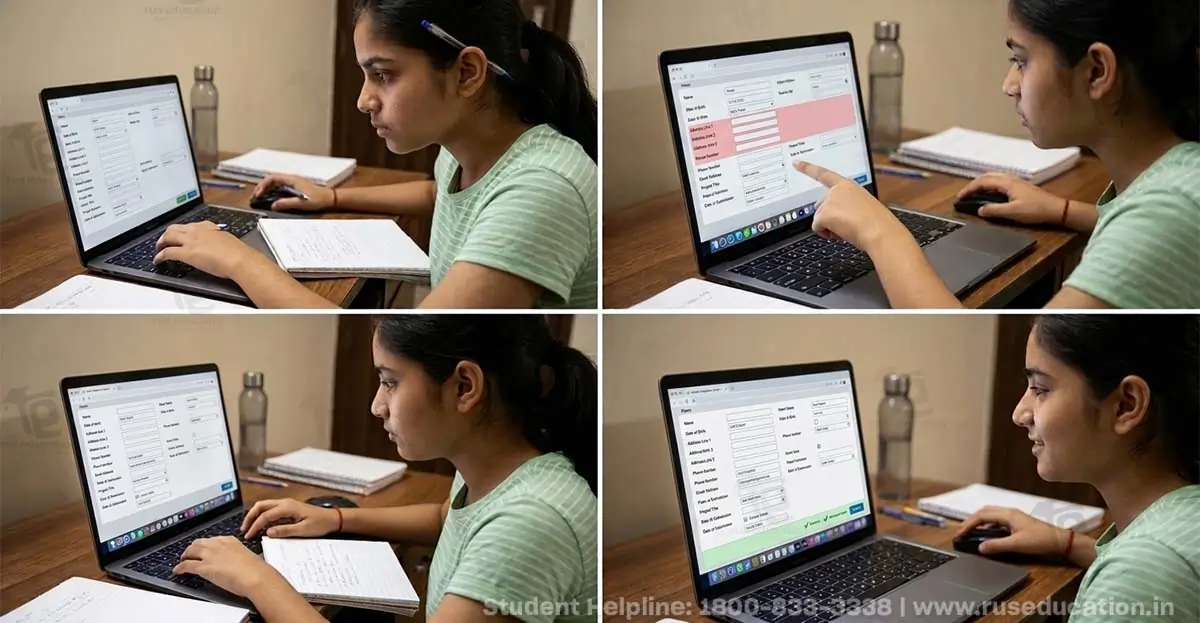
Students who wish to make corrections in their NEET 2026 application form should follow the steps given below carefully.
First, candidates need to open the official NEET website. This is the only platform where corrections can be made.
On the homepage, students should find and click on the “Candidate Login” or “NEET-UG 2026 Login” option.
Candidates must enter their application number and password to access their account. In some cases, a security code may also need to be entered.
After logging in successfully, students should click on the option called “Correction in Application Form.
Candidates can now update the fields that are allowed to be edited, such as exam city preference, category, educational details, or uploaded documents.
Before submitting the corrected form, students should carefully check every detail to make sure there are no errors remaining.
After reviewing the information, candidates must click the “Submit” or “Final Submit” button to confirm the changes.
Finally, students should download and save the updated confirmation page as proof of the corrected application form.
Students are advised to complete the correction process as early as possible during the correction window to avoid technical issues due to heavy website traffic. They should also keep their login credentials safe and ensure that the information entered matches their official documents.
The correction window is a valuable opportunity for applicants, and candidates should use it carefully to avoid complications during the examination and admission process.